Google Play Store PC
Gives you access to any type of Apk Android App on your Windows PC.

Safe & Secure
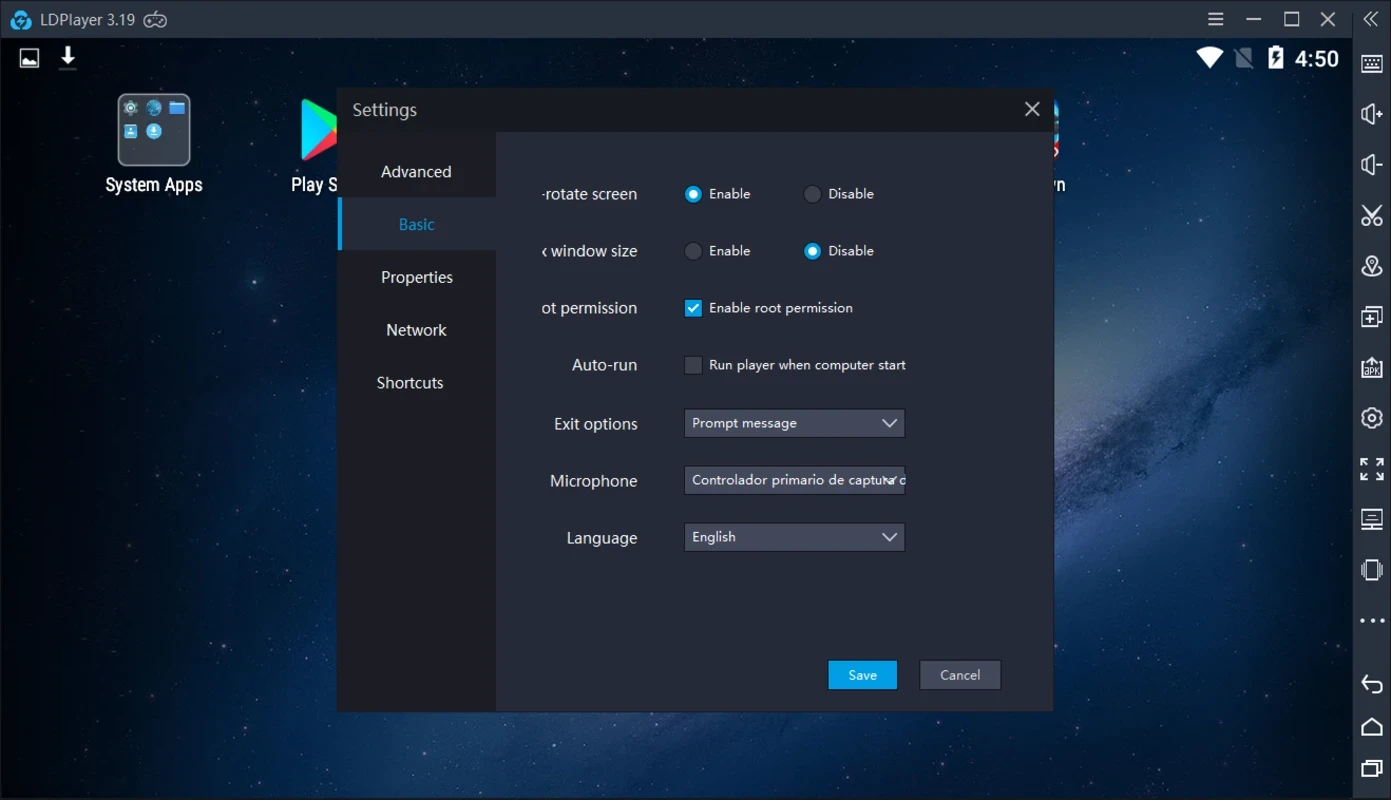
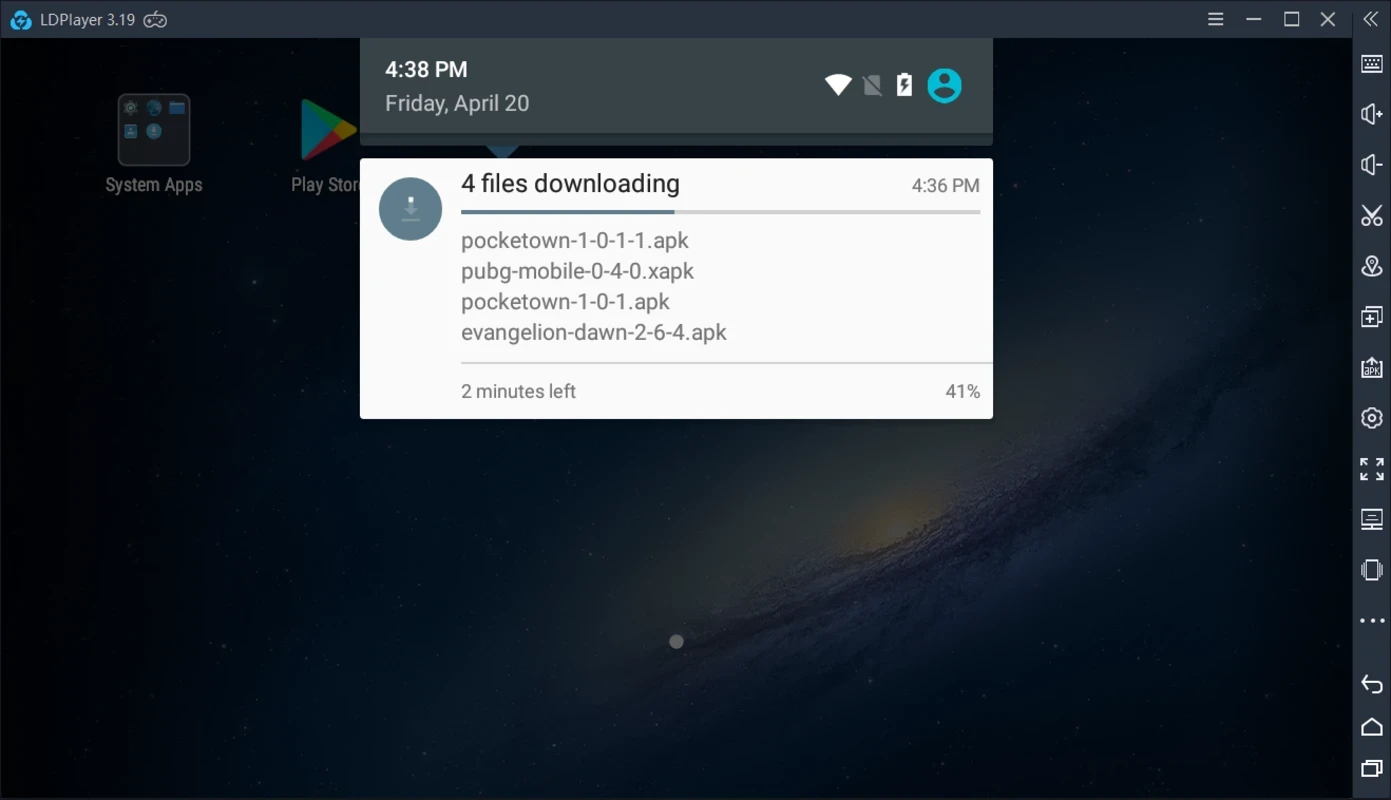
LDPlayer 3, formerly known as MOMO App Player is one of popular Android emulators, allowing the users to use Android application right on your Windows PC. It is integrated to multiple Android devices with Play Store, ensuring to run version 5.1 of Google’s operating system on the big screen.
The app offers an optimized experience with complete compatibility with PC hardware, such as CPU, GPU, Storage, and RAM, transforming your PC into a virtual Android phone to run smartphone applications with the help of a keyboard and mouse. It is also equipped with innovative advanced functionality, such as custom controls, multi-instance sync, macros/scripts, and high FPS/graphics.
LDPlayer, developed by ChanqZhi Co. Ltd., falls under the Entertainment category and is freeware software. It is built on a customized Android 9 system, offering separate emulator instances to optionally support older Android versions.
It proves to be the best go-to solution to run, test, or debug Android applications on the big screen, without having an actual mobile phone. It is available for free to offer all basic functionality; however, you need a subscription plan to unlock the advanced functionality.
The app offers support for a wide range of applications across Android releases, as it officially offers editions for both legacy and fresh builds, including Android 5.1 and Android 7.1. It is also possible to run more recent apps with support for Android 9-based variants. You will also find integration with Google Play Services and access to APK through drag-and-drop installations, instead of getting them from the store.
You will be capable of utilizing PC hardware more efficiently using the advanced virtualization technology, as it ensures smooth performance, even with graphics-intensive as well as resource-demanding applications. So, you can get the best experience with high FPS and adaptable resolution settings to finely tune visuals. Moreover, powerful personalization is for enabling the users to modify CPU, RAM, and other specific controls as according to their preferences.
It is one of the significant features to help users run multiple applications simultaneously, without losing performance. It makes it possible to use multiple applications while managing several accounts on a single PC. Moreover, it automates multiple complex actions within additional tools to improve efficiency and performance while running the apps.
If you want some specific applications, instead of getting plethora of content on your device that can create storage issues. Simply avoid the inconvenience of installing APK files manually instead of using the dedicated drag-&-drop button. You can install your desired apps right from LDStore as well as the Play Store; however, you have to complete the login process for the purpose.
The feature-rich program offers a versatile and reliable workflow with strong performance, huge personalization options, and multi-instance capabilities. It allows changes according to individual preferences, such as assigning CPU cores and RAM, selecting rendering backends, including OpenGL, DirectX, or Vulkan if available, and also adjusting target frame rates. It offers improved frame delivery and responsiveness on compatible hardware, leveraging virtualization and GPU acceleration.
Compared to Android, on PC you will find a keyboard mapping system, allowing you to map specific keyboard keys to specific on-screen positions. Use your mouse as camera control for tuning yourself, and keyboard keys can serve you in different scenarios, such as skills, abilities, items, and other functions. The plus point is that the availability of a visual mapping editor enables users to place key icons right on the desired elements of your UI.
Avoid manually operating repetitive tasks; instead, use the built-in macro recorder and scripting facility for automating repetitive actions. This feature reliably helps to record sequences of inputs and repeat them according to your requirements. You need only to record it for one time, and use a single key to replay the entire sequence. You can modify the recorded sequences by adjusting the time, adding loops, or connecting multiple macros together.
The app maintains compatibility and stability, receiving regular updates. It also offers documentation and release notes along with downloads. Official support is available for fixing issues related to installation and runtime. It is the best choice for users who are seeking a reliable resource to run their Android apps on their Windows PC.
Pros
Cons

Gives you access to any type of Apk Android App on your Windows PC.

PC App Store download, install, and keeps up-to-date your PC programs

free emulator to play Android apps on your pc with extra performance, reliability

Bijoy Bayanno the most powerful software to write Bengali language on PC

Media Creation Tool is upgrading and installing Windows 10 bootable installed disks.
Rufus easily change your USB Flash to a bootable ISO flash drives.